PM Toolkit
Tools
What worked
The markdown-as-database bet paid off: 23 content types with a Zod schema registry, git-friendly, zero lock-in, and users can edit their data in Obsidian or any text editor. Export quality became the key differentiator — screenshots and PDFs are stakeholder-ready without post-processing, which no commercial PM tool achieves. The v3.3 app surface reduction (30 → 20 nav items via route-based tab consolidation) made the tool feel dramatically more focused. The Key Results promotion to first-class file-backed entities (v3.4) was the most significant data model correction — it only surfaced from sustained dogfooding. The v3.4 GitHub activity analysis with Copilot AI signal detection per PR is the first feature that provides team-level intelligence rather than just personal workflow.
What broke
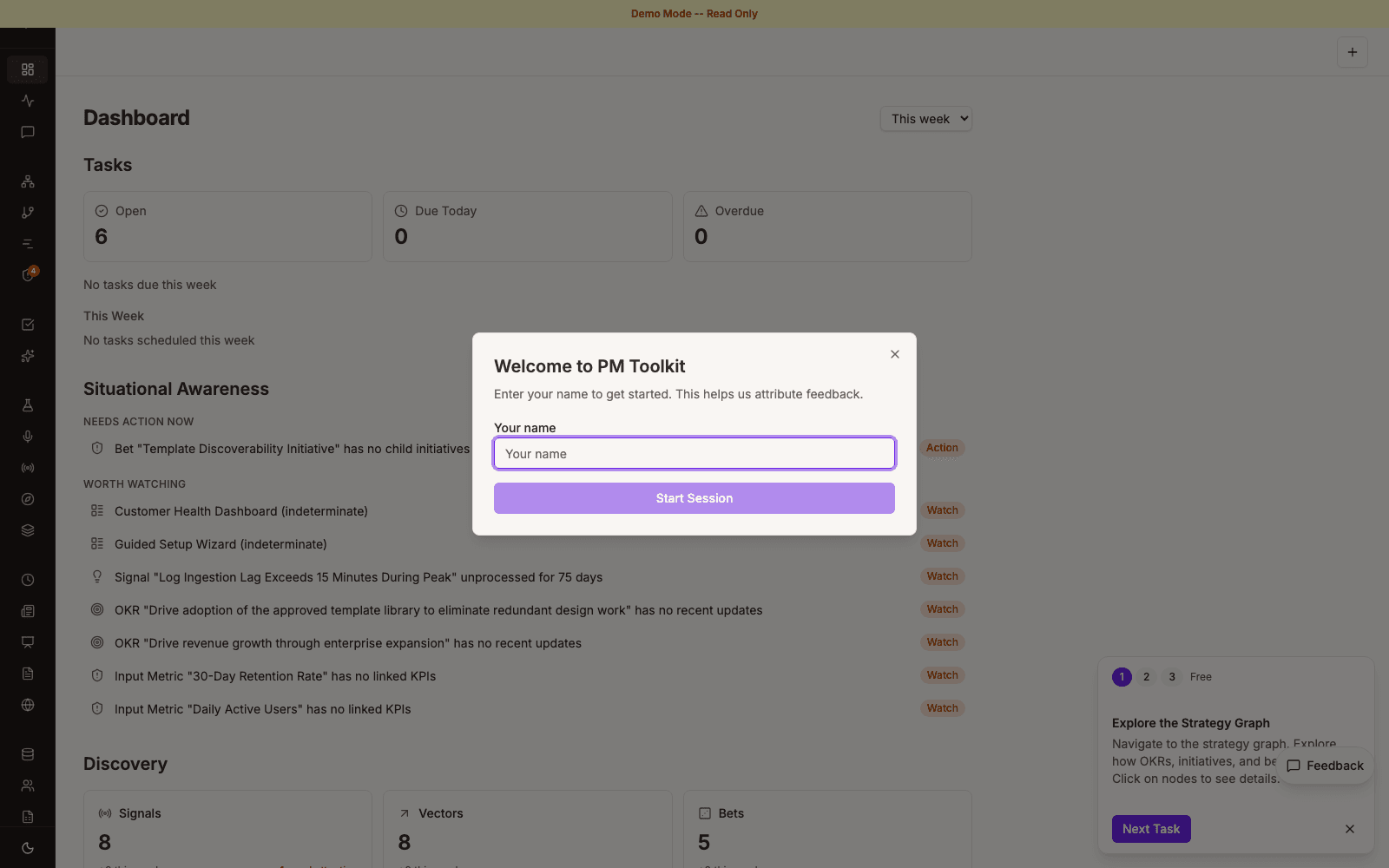
No external PM has used this tool. Demo mode, a feedback database, validation session UI, and a curated 77-file demo vault all shipped — but the recommendation to 'find 2-3 PMs and watch them try it' remains outstanding after five months. Building continues without user feedback, which is the classic solo-builder trap. The schema registry coupling (four consumers to update per content type) remains a friction point. The SQLite usage database shipped in v3.3 adds self-analytics but also adds a new persistence layer to maintain alongside the markdown vault.
Roles
I set the strategic bet — markdown + YAML frontmatter over a database, because PMs should own their data and git is a better substrate than SaaS lock-in. I wrote the AI collaboration patterns document and made the v3.3 scope reduction call. Claude Code built the web app, monorepo packages (Obsidian plugin, Chrome extension, API clients for Jira/Workboard/GitHub/Miro/Confluence), the CLI, the usage analytics pipeline, and the GitHub activity analysis engine.
PM Toolkit
Overview
PM Toolkit is a personal product management intelligence system that transforms an Obsidian vault (markdown files with YAML frontmatter) into a web-based strategic planning dashboard. It provides strategy-to-execution traceability for individual PMs who want to own their data and generate stakeholder-ready artifacts without a database or SaaS platform. ~110K lines of TypeScript across a Next.js 16 monorepo with 17 shipped milestones.
Core value proposition: Screenshots and exports look professional enough to share directly with stakeholders — no additional formatting needed.
Target users: Individual product managers using Obsidian + Jira/Workboard, who want a unified view from customer signals through strategy to shipped outcomes.
What It Does
- Strategy graph visualization (React Flow + dagre) with interactive node/edge manipulation and a 3+3 canvas revision (Bets/Initiatives/Roadmap Items + Metrics/Experiments/OKRs)
- Customer signals pipeline with vectors, KANO grid, Cost-of-Delay scoring, and interview extraction from daily notes
- Now-Next-Later kanban and Opportunity Solution Tree for planning
- Bidirectional sync with Jira, Workboard, GitHub, Miro, and Confluence
- Daily task management with Obsidian write-back (line-level conflict detection), recurring tasks, and daily intelligence summaries
- Stakeholder-ready exports — PDF, PNG, Markdown without post-processing; quarterly team presentation with confidence rollup
- GitHub activity analysis — Multi-repo contributor stats, cycle time metrics, release association, and Copilot usage/AI signal detection per PR
- Self-analytics — SQLite usage database with heatmap, workflow score, trends, feature grid, and behavioral nudges
- Structural risk dashboard — 9 risk types across 3 severities with impact tree, trend chart, and detail drawer
- Obsidian plugin with validation and quick capture; Chrome extension for Jira/Confluence capture
- CLI (
pmt) with sync, reporting, changelog generation, Jira export/report/field-probe/delete/orphans commands, and GitHub activity analysis
How It Fits Together
Next.js 16 App Router monorepo (React 19 + Tailwind v4 + shadcn/ui) for the dashboard. All content lives as YAML-frontmatter markdown in an Obsidian vault — the web app reads files via server components, computes dashboard aggregations server-side, and passes pre-computed props to client components. Write-back uses server actions with line-level string surgery and expectedRawLine guards for conflict detection. A shared-schemas package defines Zod schemas for all 23 content types, consumed by the web app, CLI, and Obsidian plugin. Five API client packages handle bidirectional sync with external tools. A SQLite database (WAL mode, 90-day compaction, sendBeacon pipeline) tracks usage analytics alongside the markdown vault.
Architecture Decisions
- Markdown over database — User data ownership, portability, version control. The tradeoff is no query language and O(N) file scanning for aggregations (mitigated with ISR).
- Schema registry for 23 content types — Exhaustive Zod validation at every boundary. The cost: adding a new content type requires updating the enum, registry, Obsidian detector, and switch cases — four places to forget.
- Line-level write-back — Fine-grained mutations that preserve manual edits, using an expectedRawLine guard for conflict detection. More complex than whole-file writes but essential for a tool that coexists with hand-edited Obsidian files.
- Key Results as first-class entities — Promoted from inline OKR sub-objects to file-backed entities under
strategy/key-results/. OKR files now hold only akeyResults: [slug]array. The data model correction reshaped the entire strategy layer. - SQLite for usage analytics — Introduced in v3.3 alongside the markdown vault. WAL mode with batch insertion and 90-day compaction. A conscious second persistence layer, justified by the query patterns that markdown can't serve.
- App surface reduction — v3.3 consolidated 30 nav items to 20 via route-based tab grouping (strategy, tasks, signals, changelog). Fighting feature sprawl by compressing the navigation.
- Custom API clients over vendor SDKs — Fine-grained control over rate limiting, retry logic, and sync state tracking.
Iteration and Lessons
v3.3 (Sustainability & Self-Awareness, shipped 2026-04-10) was the maturity milestone. The usage analytics pipeline, the app surface reduction from 30 to 20 nav items, and the complete validation session infrastructure (demo mode guards on 15 server actions, curated 77-file demo vault, feedback review page) all shipped. The self-analytics page with behavioral nudges is the tool turning its PM methodology on itself.
v3.4 (Team GitHub Activity Analysis) added the first team-level intelligence: multi-repo contributor stats, cycle time metrics, Copilot usage, and per-PR AI signal detection. The Key Results promotion to first-class entities was the most significant data model correction — KRs are the team-level execution unit, and the original model treating them as OKR metadata broke every downstream visualization. Six new Jira CLI commands were promoted from one-off scripts to proper subcommands. Interview extraction from daily notes added a new content type with signal cross-references.
The project also documents explicit AI collaboration anti-patterns in dear-new-pm.md: AI cannot replace customer relationships, AI confidently generates plausible-but-wrong strategy, AI hallucinates connections between signals, and the velocity trap (producing artifacts faster while the real bottleneck is judgment).
The most honest assessment: 357 plans across 17 milestones shipped in ~3.5 months, but still zero external user sessions. The velocity is real, but velocity without validation is just sophisticated scope creep.
Weaknesses & Open Questions
- No external validation — Demo mode, feedback database, curated demo vault, and validation UI all shipped — but no external PM has used the tool after five months of building
- Tag parsing collision risk — Task parser and signal extractor both scan daily notes for
#tags; interference is possible - Sync state partial failures — Can leave inconsistent state between vault and external tools; needs atomic writes
- Schema registry coupling — New content types require updates in four places; easy to miss one
- Two persistence layers — Markdown vault + SQLite analytics database is two systems to maintain, migrate, and back up
- Open question: Is the 23-content-type breadth justified, or would fewer types with deeper analytics serve PMs better?
- Open question: At what point does "personal intelligence system" need to prove value to someone who isn't the builder?